설명
설치
vim-plug
curl -fLo ~/.vim/autoload/plug.vim --create-dirs https://raw.githubusercontent.com/junegunn/vim-plug/master/plug.vimvim ~/.vimrc
call plug#begin()
    Plug 'Valloric/YouCompleteMe'
call plug#end()
vim 실행 후 :PlugInstall 입력dnf install cmake python-develcd ~/.vim/plugged/YouCompleteMe/python3 install.py ${language support options}
- C-family languages
- gcc/gcc-c++ 설치
--clangd-completer
- C#
- Go
- Java
- JavaScript and TypeScript
- Node.js와 npm 설치
--ts-completer
- Rust
- all
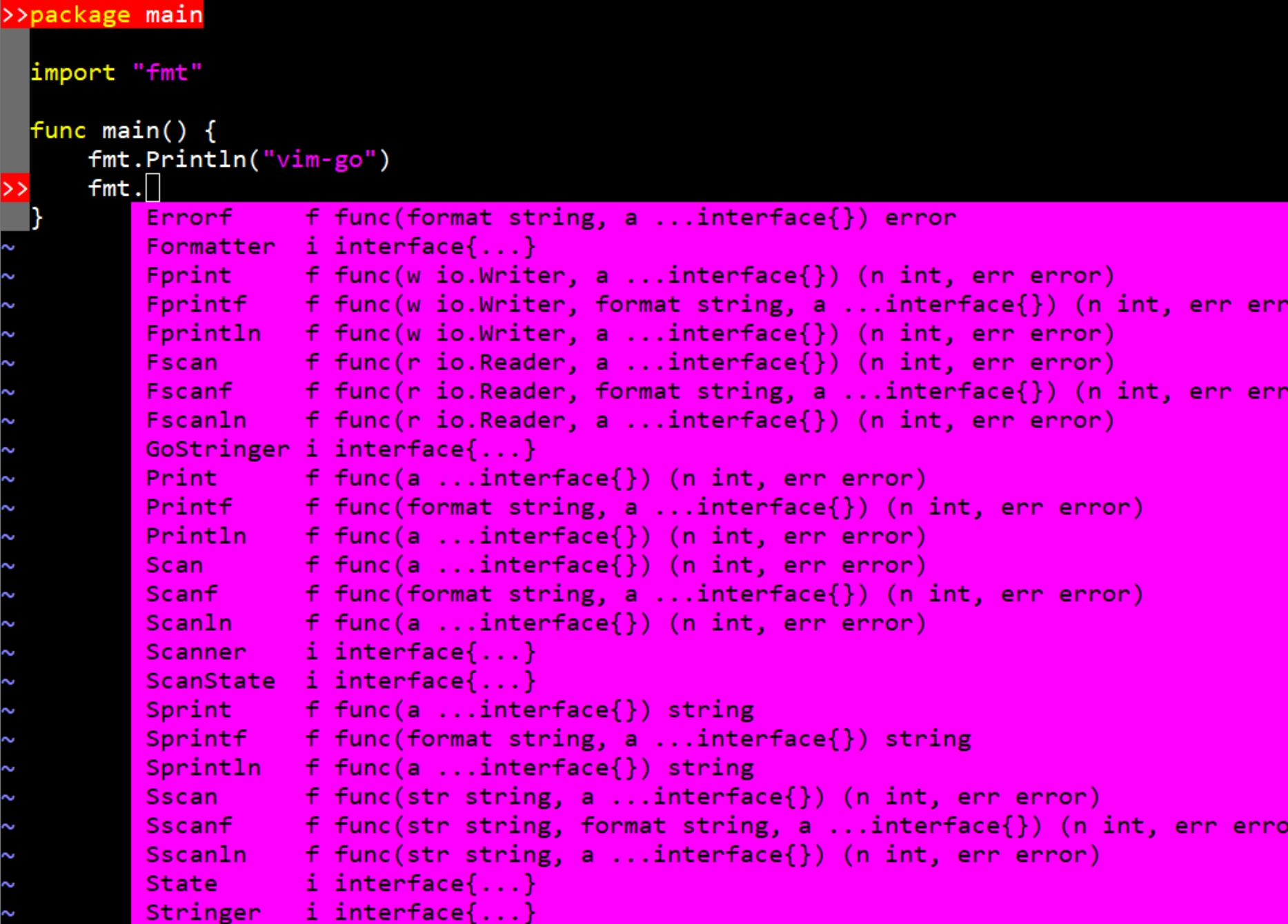
설치 확인
- 코드 작성 시 혹은
ctrl + space를 눌렀을 때 동작
비고
- .vimrc에
set tabstop=4가 있는 경우 set shiftwidth=4도 설정해주어야 자동 들여쓰기가 두번되지 않음